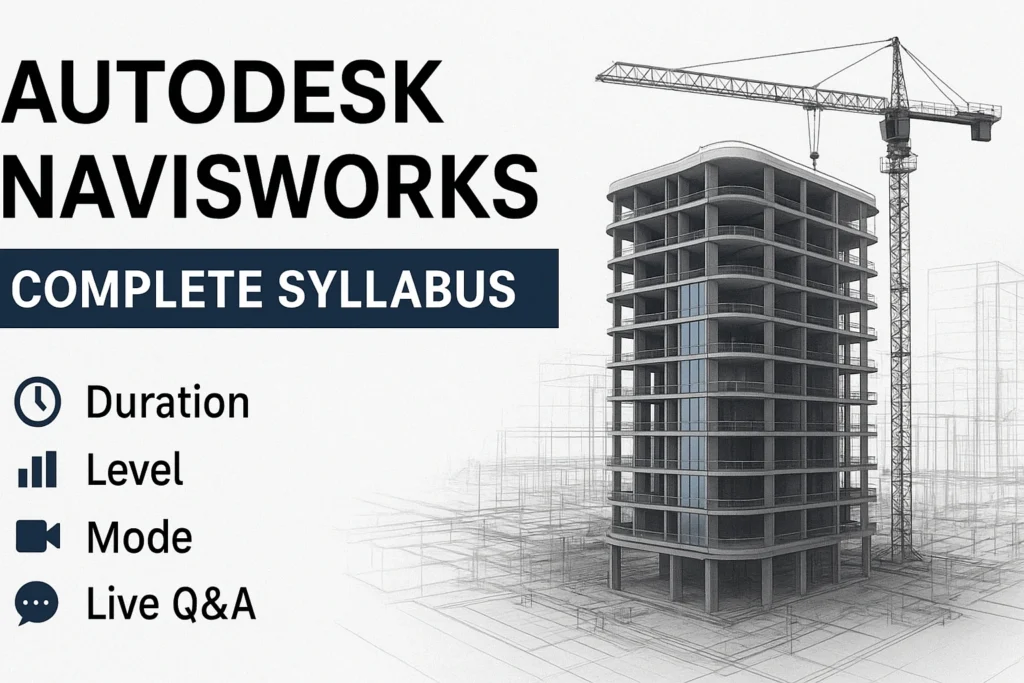
Duration: 3 Months | Level: Beginner to Advanced
Institute: Skillity Up
Module 1: Introduction to Navisworks
- Overview of Autodesk Navisworks
- Interface & Navigation
- File Types Supported (NWD, NWF, DWF, DWG, RVT, IFC)
- Opening, Saving, and Managing Projects
- Basic Navigation Tools (Pan, Zoom, Orbit, Walkthrough)
Module 2: Working with Models
- Appending & Combining Models
- Model Hierarchy & Selection Sets
- Hide/Unhide, Isolate, and Sectioning Models
- Using Object Properties
- Clashing Components & Model Review
Module 3: Review & Clash Detection
- Introduction to Clash Detection
- Setting up Clash Tests
- Clash Test Rules & Tolerances
- Running & Managing Clash Tests
- Clash Report Generation
- Clash Resolution Workflow
Module 4: Quantification
- Introduction to Quantification in Navisworks
- Adding Item Properties for Quantity Takeoff
- Using Measurement Tools
- Creating Quantification Sheets & Reports
- Exporting Quantity Reports
Module 5: Animation & Timeliner
- Creating Animation in Navisworks
- Using Walkthrough & Flythrough Tools
- Introduction to Timeliner
- Linking 3D Models with Project Schedules (4D Simulation)
- Simulation & Animation of Construction Sequence
- Exporting Timeliner Reports
Module 6: Collaboration & Project Review
- Using Viewpoints & Comments
- Markup Tools & Redlining
- Sharing Models for Collaboration
- Clash Tracking & Communication with Teams
- Exporting Project Review Files
Module 7: Advanced Tools & Tips
- Using Selection Sets for Coordination
- Advanced Search Sets & Properties
- Layering & Sectioning Techniques
- Working with Large Models Efficiently
- Best Practices for BIM Coordination
Module 8: Practical Assignments & Projects
- Real-time Model Coordination Projects
- Clash Detection & Resolution Scenarios
- 4D Simulation of a Construction Project
- Generating Reports & Documentation
- Case Study for BIM Project Review